
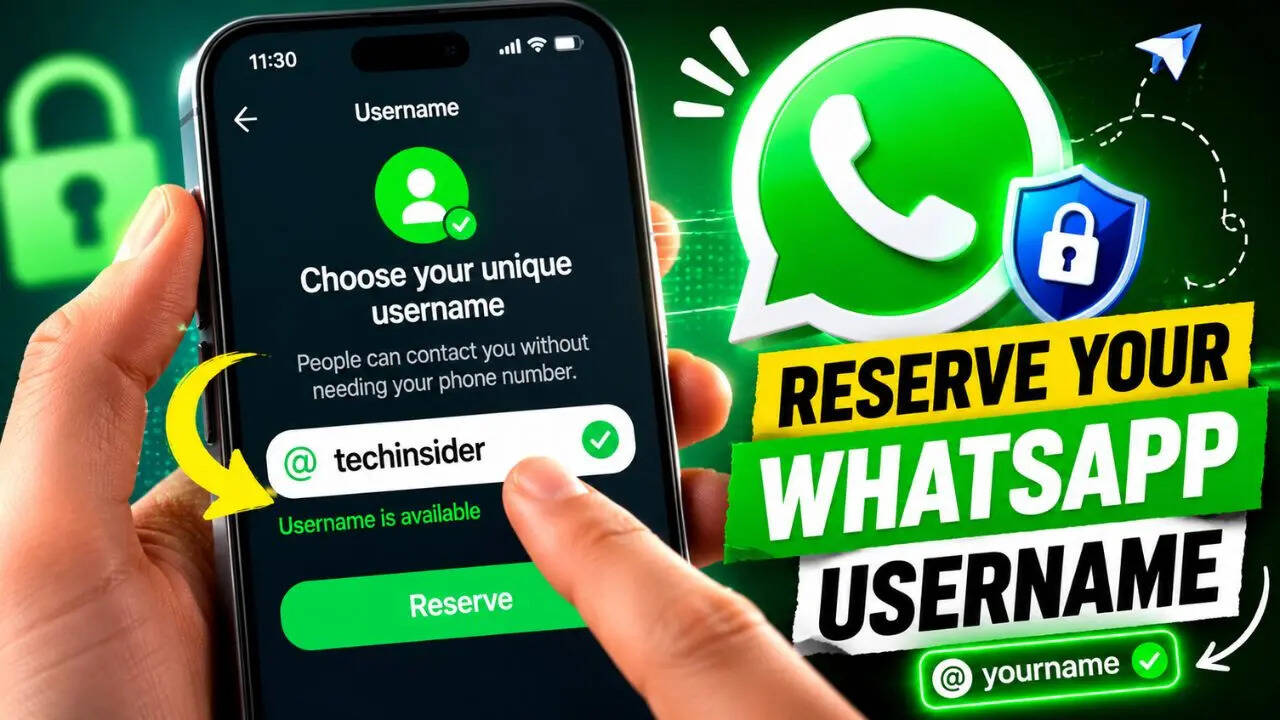
WhatsApp is preparing one of its biggest privacy-focused changes in years. The Meta-owned messaging platform has started rolling out usernames, allowing users to connect without sharing their phone numbers. While the feature is still being released gradually, some users can already reserve their preferred username before the wider public rollout later this year. Here’s everything you need to know about reserving your WhatsApp username and why you may want to do it sooner rather than later.
How To Reserve Your WhatsApp Username
If the feature has reached your account, securing a username only takes a few moments. Here’s how:
Open WhatsApp on your Android or iPhone.
Tap Settings.
Go to Account and select the Username option if it appears.
Enter the username you want to claim.
If it’s available and follows WhatsApp’s guidelines, confirm your selection.
Once confirmed, the username will be reserved for your account.
Since the rollout is happening in phases, you may not see the Username option immediately. If that’s the case, update WhatsApp to the latest version and check again over the coming weeks, as the WhatsApp-maker is enabling the feature gradually.
Why You Should Reserve Your Username Early
Once usernames become widely available, users will be able to connect using a unique handle instead of sharing their phone number. This adds an extra layer of privacy, especially when chatting with new contacts, joining communities or interacting with businesses.
Reserving your preferred username early also reduces the chances of someone else claiming it before the feature reaches everyone. If your first choice has already been taken, you’ll need to select a different one, although WhatsApp will let you edit your username later if you change your mind.
There are a few limitations to keep in mind. At the moment, usernames can only be reserved through the WhatsApp mobile app. The feature isn’t available on WhatsApp Web or the desktop application yet.
If the feature hasn’t reached your account yet, don’t worry. Meta is rolling it out in stages, so keeping WhatsApp updated and checking periodically should eventually give you access before the global launch is complete.
