
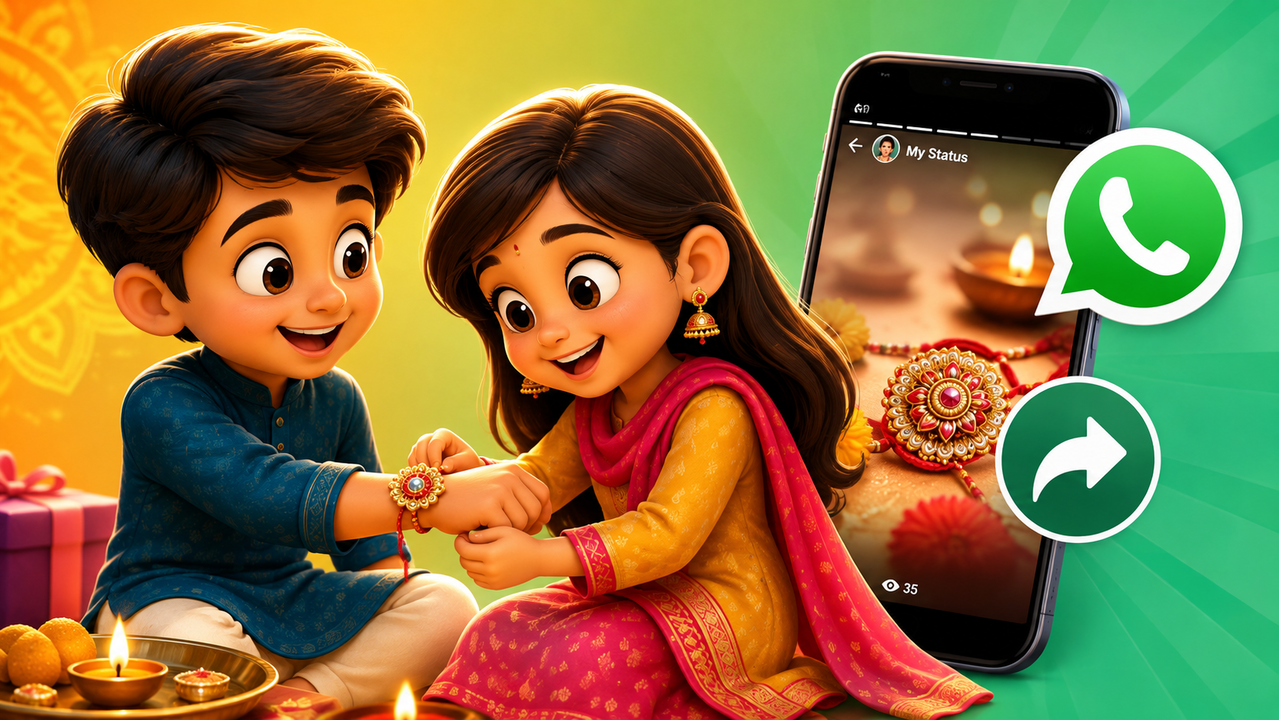
As we celebrate Raksha Bandhan on Friday, social media platforms have already been filled with animated rakhi videos, and viral Raksha Bandhan-related clips. If you are looking for a Happy Raksha Bandhan 2026 WhatsApp Status video, then we have got you covered! Many online platforms are offering ready-made short videos that you can share with your brother and sister as these platforms allow users to download them and upload on your WhatsApp Status.
Here are some of the platforms where you can find Raksha Bandhan videos and here is how to share them on WhatsApp.
ShareChat
ShareChat is one of the most popular platforms to look for ready-made Indian festivals and WhatsApp Status content. Users can search for terms such as “Rakhi Status”, “Raksha Bandhan songs”, and “Rakhi 2026”.
How To Download Or Share A ShareChat video
Open the ShareChat app.
Search for Raksha Bandhan Status.
Select the video you like.
Tap the Share or Download option, depending on what is available for that video.
If you download the video, open WhatsApp and go to Updates > My Status.
Select the video from your phone’s gallery and tap the send button.
You can also use ShareChat’s sharing option to send the content directly to WhatsApp when available.
Moj
Moj is another Indian short-video platform where users can find content in Hindi and several regional languages. The platform describes itself as a short-video service designed for content in multiple Indian languages.
How To Download Or Share A Moj Video
Open the Moj app.
Search for Rakhi videos, Rakhi status, or Raksha Bandhan 2026.
Open the video you want to use.
Tap the Share button.
If a download option is available, save the video to your phone.
To post it on WhatsApp, open WhatsApp and go to Updates > My Status.
Select the downloaded video and tap Send.
Instagram Reels
Instagram Reels are another major place for Raksha Bandhan viral reels. You can search for Reels using terms such as Rakhi or Rakhi 2026. If you find a Reel that you can share, the simplest option is to use Instagram’s Share button and select WhatsApp, when the option is available.
How To Share An Instagram Reel On WhatsApp
Open Instagram.
Find the Raksha Bandhan Reel you can share.
Tap the Share icon below the Reel.
Select WhatsApp from the available options.
Choose the person or group you want to send it to.
Facebook is one of the best places where you can discover Raksha Bandhan movie clips and relevant AI-generated videos for the festival. Search Facebook for Raksha Bandhan 2026.
How To Share A Facebook Clip On WhatsApp
Open Facebook.
Find the Rakhi Reel or video.
Tap Share.
Select WhatsApp if it appears in the sharing options.
Select the person, group or WhatsApp option you want to use.
How To Upload A Downloaded Video On WhatsApp Status
Once the video has been saved to your phone, the process is simple.
Open WhatsApp.
Go to the Updates tab.
Tap My Status or the option to add a new Status.
Select the Rakhi video from your Gallery.
Add text, emojis or stickers if you want.
Tap the Send button.
The video will then appear as your WhatsApp Status for the contacts you have allowed to see your Status.
