
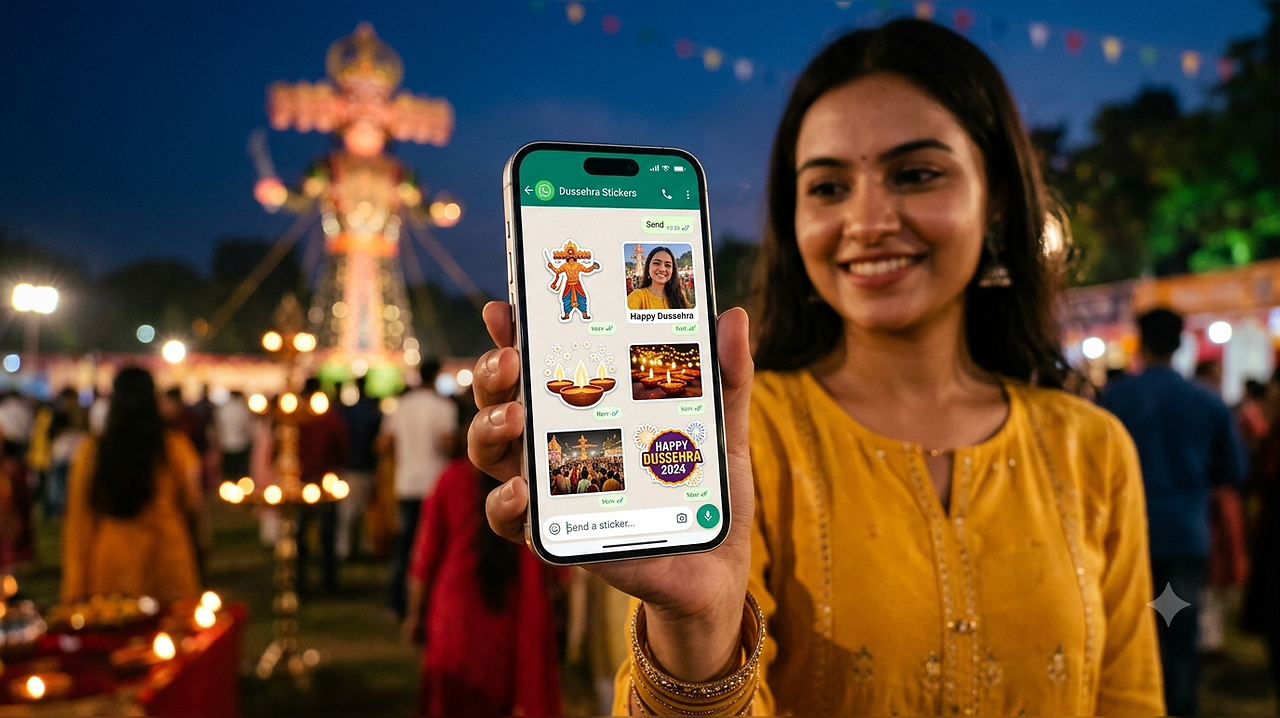
As India celebrates Dussehra on Tuesday, WhatsApp messages and festive greeting stickers are once again taking over family group chats. While several AI apps can now generate customised festive images, you do not necessarily need to download or use another AI app just to create Dussehra stickers for WhatsApp. The messaging platform itself gives users tools to turn their own photos and images into stickers.
This means you can create personalised Dussehra stickers featuring yourself, festive decorations, Ravan effigies, diyas or any other image saved on your phone and share them directly with friends and family.
How To Create Dussehra Stickers On WhatsApp
Creating a custom sticker on WhatsApp is fairly straightforward. Open WhatsApp and head to the individual or group chat where you want to send your Dussehra greeting.
Tap the sticker icon and look for the option to create a new sticker. Depending on your phone and WhatsApp version, this may appear as a Create option or a + icon.
Now select a Dussehra-related photo or image from your phone’s gallery. You could choose a picture from a Dussehra celebration, a Ravan effigy, festive decorations or even your own photograph.
WhatsApp will turn the selected image into a sticker. You can then customise it using the editing tools available inside the app. Users can add text, emojis or drawings to make their Dussehra sticker more personal.
Once you are happy with the result, simply send the sticker in the chat. You can also reuse the sticker later instead of creating it again.
Instead of relying on generic “Happy Dussehra” stickers downloaded from third-party sticker packs, users can use their own photographs to make greetings more personal. For example, a photograph taken at a local Dussehra mela can be converted into a sticker and decorated with a short message such as “Happy Dussehra 2026” or “Happy Vijayadashami”.
You can similarly use pictures of Ravan effigies, bows and arrows, festive lights or other Dussehra celebrations already stored on your phone.
