
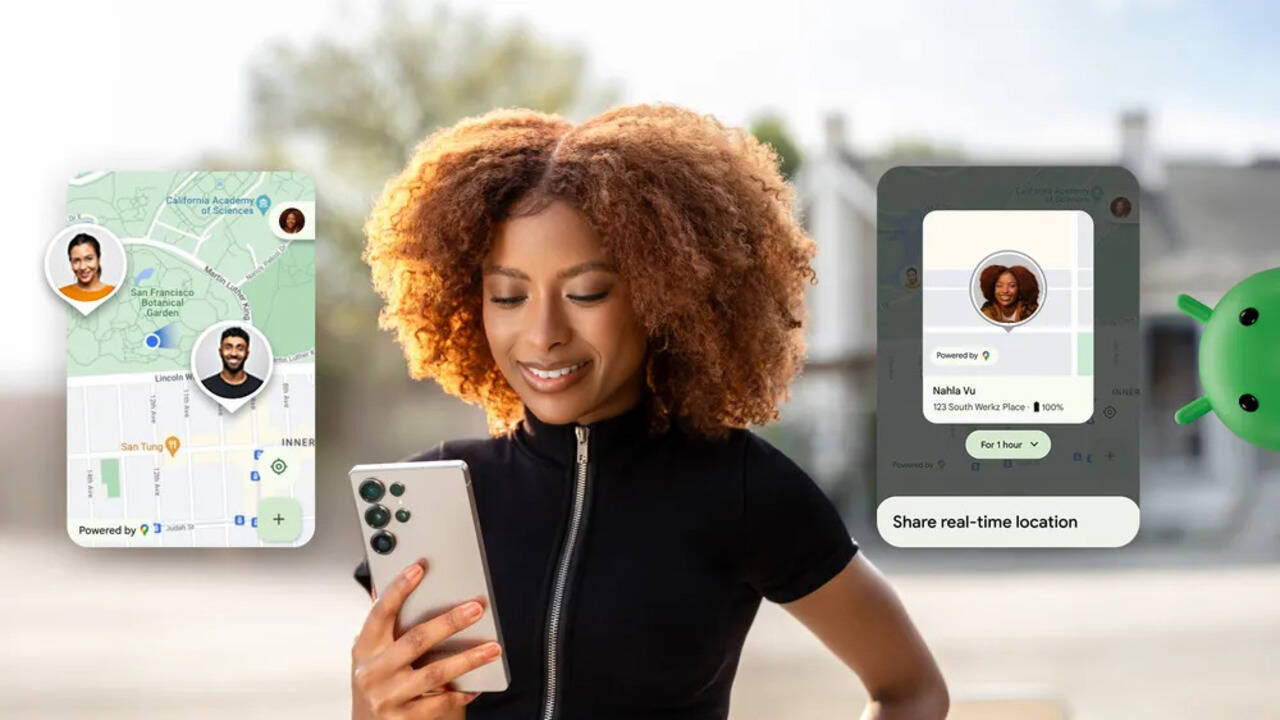
Google is rolling out a new real-time location sharing feature in the Google Messages app on Android. Users can choose how long they want to share their location. The available options include 1 hour, today only, until you turn it off or a custom duration. According to the US-based tech giant, this feature will hep friends and family track your live location for a set period of time. It can be useful for safety or to coordinate meetups.
Once you get the update, you will notice a small dot on the ‘plus’ menu inside a chat. This shows a new option called ‘Real-time Location’ which appears as a green icon. It sits alongside other attachment options. The earlier method of sharing location using a Google Maps link is still there and is now called ‘One-time Location.’
When you tap the new option, a live map opens on the screen. You can expand it to view it in full. At the bottom, there is a card that shows who you are sharing your location with. You can choose how long to share it — options include 1 hour, today only, until you turn it off, or a custom duration.
How To Share Real-time Location From Google Messages
– To share your live location in Google Messages, open the app and go to the chat where you want to share it.
– Tap on the attachment icon and select ‘Real-time location.’
– If you are using the feature for the first time, you may be asked to accept Google’s location sharing settings.
– After that, choose how long you want to share your location.
– You can set a specific time period for sharing. The duration can’t last more than 24 hours.
– Tap Send.
After you tap Send,’ your real-time location will be shared with that particular user in the chat. The other person will receive a message that says ‘See my real-time location,’ which they can open to track your movement.
To stop sharing your location, open the conversation where you shared it. Tap on your location message, then tap ‘Stop’ and select ‘Stop sharing.’ Users need to be signed in to their Google account to use this feature. If not, the app will prompt you to sign in before sharing location.
Google has also added a privacy indicator. A banner at the top of the app shows when your location is being shared and how long it will remain active.
