
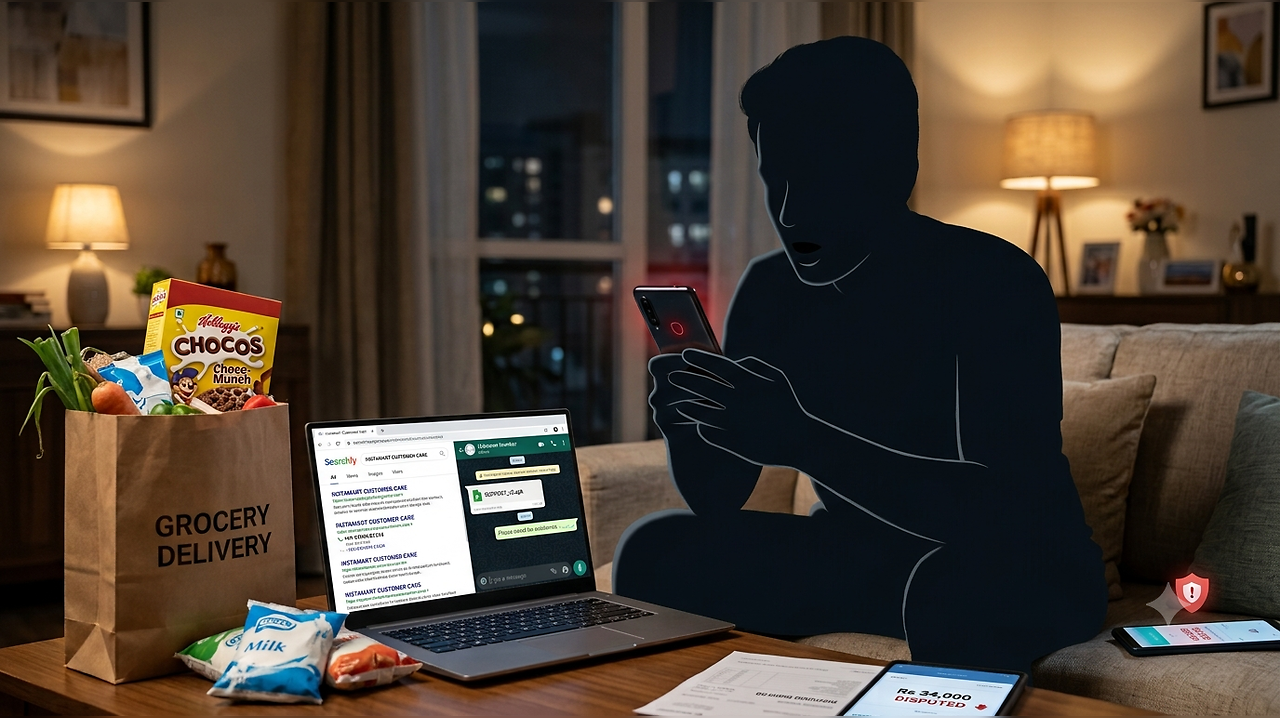
A Swiggy Instamart customer has fallen prey to a scam in which he lost Rs 34,000. According to KKK News, the customer was not able to reach out to the customer support executives through the Swiggy app after he received an expired pack of Kellogg’s Chocos. The customer from Nalasopara alleged that he tried to look for Swiggy customer support on Google; however, the number he found allegedly belonged to scammers impersonating Swiggy customer support.
Scammer Asked Customer To Download APK File
According to the report, after the customer called the number, the person on the other end allegedly claimed to be a Swiggy customer support representative. The scammer reportedly asked the customer to continue the conversation on WhatsApp.
The alleged scammer then sent an APK file and asked the customer to download it, claiming that it was required to provide support. Moreover, the customer was reportedly told not to share any OTP. Instead, he was asked to open the Google Pay app and wait for a few minutes.
Soon after, the customer allegedly found that his phone screen had gone completely black. He later received a notification asking him to wait. The customer claimed that Rs 25,000 was initially withdrawn from his account, followed by another Rs 9,000 transaction. In total, he allegedly lost Rs 34,000.
Swiggy Has No Customer Care Number
Swiggy has repeatedly warned users about fake customer care numbers and websites impersonating the company. Importantly, the company does not provide a conventional customer care number or helpline for order-related assistance.
Swiggy’s official fraud warning says, “Swiggy customer care will never request sensitive bank information from you — such incidents are scams and should be reported immediately. Please do not share your debit/credit card number, CVV number, OTP, UPI/ATM PIN and so on with anyone claiming to be a Swiggy representative. If you’ve encountered such an incident, please know that it is fraud, and you must report it immediately to stay safe from a phishing attempt.” Swiggy specifically advises customers to use the Help section inside the app for assistance with orders.
The company says, “For assistance on a Swiggy order, click on the ‘Help’ section on the Swiggy app — there is no other help channel available.” Swiggy also warns users about fake websites, blogs and social media posts that publish customer care numbers claiming to belong to the company.
Its fraud warning lists several things customers should watch out for:
“- Portals outside of Swiggy publicising fake toll-free customer care numbers.
Fake websites, blogs, or suspicious posts on social media sites.
Suspicious links sent to you via WhatsApp, SMS or email.
Proactive calls from unauthorised numbers requesting personal/financial information.
Scammers claiming you have a refund amount pending, in an attempt to get you to disclose sensitive information.”
Never Download APK Files From Strangers
The incident also highlights the risks of downloading APK files sent by unknown people. APK files are used to install Android applications, but installing an app from an untrusted source can expose a device to malicious software. Depending on the permissions granted, malicious apps may potentially gain access to sensitive information or abuse accessibility and screen-related permissions.
Users should therefore avoid installing APK files sent through WhatsApp, SMS, email or other unofficial channels, especially when someone claiming to be customer support asks them to do so.
